"Axis" Errors Stopping Production in CNC Machines
Precise machining depends on the perfect synchronization of the servo motors in the X, Y, and Z axes. If you see Axis Limit Error, Following Error, or Servo Alarm, one of your axes cannot follow commands.
Main Causes of Axis Errors
- Excessive Mechanical Friction: Unlubricated ball screws or jammed linear guideways cause the motor to draw excessive current, prompting the drive to stop the axis.
- Encoder Position Loss: Dirt in the encoder or a broken cable prevents the CNC from knowing the motor's exact position.
- Drive Hardware Fatigue: Weakened capacitors or IGBTs in the servo amplifier prevent the motor from producing enough torque.
Code Elektronik Axis Testing
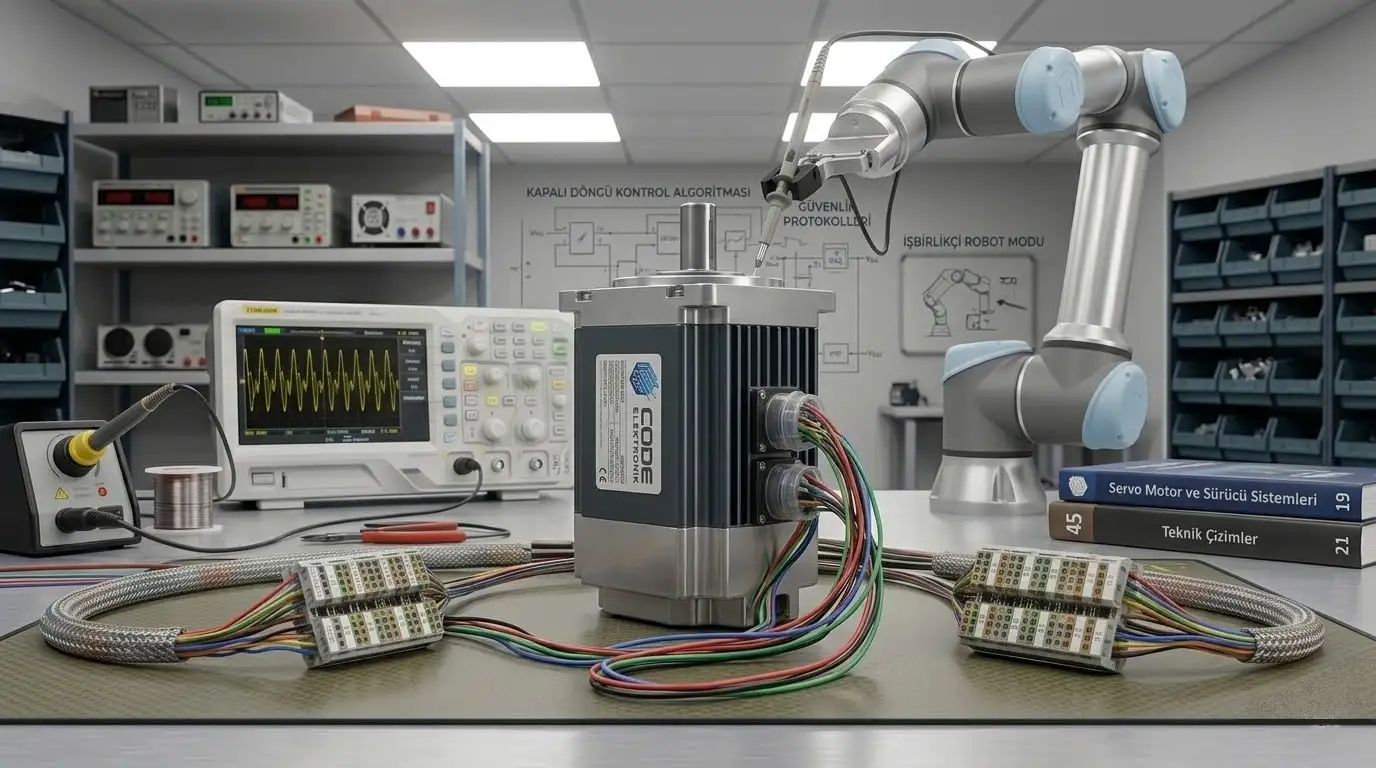
Mechanical, cable, or drive? Don't waste hours guessing. Our field team arrives 24/7 to pinpoint the root cause of axis mismatch using oscilloscopes and PC software.